
logo onedrive

Send letters from OneDrive or Office 365

Looking for a simple way to send letters from Office 365 or other Microsoft tools? Just save your document to OneDrive – Pingen takes care of printing and delivery via PostNL.

Why use Pingen with OneDrive?

Send from Office 365

With OneDrive built into Microsoft products, you can send documents by post directly from your workflow.

Benefit from automation

From high-quality printing to postal delivery — Pingen fully automates every step for a smooth process.

Enjoy full flexibility

Whether you’re sending a single letter or thousands at once, the process stays just as simple with OneDrive.

How it works

Text Link
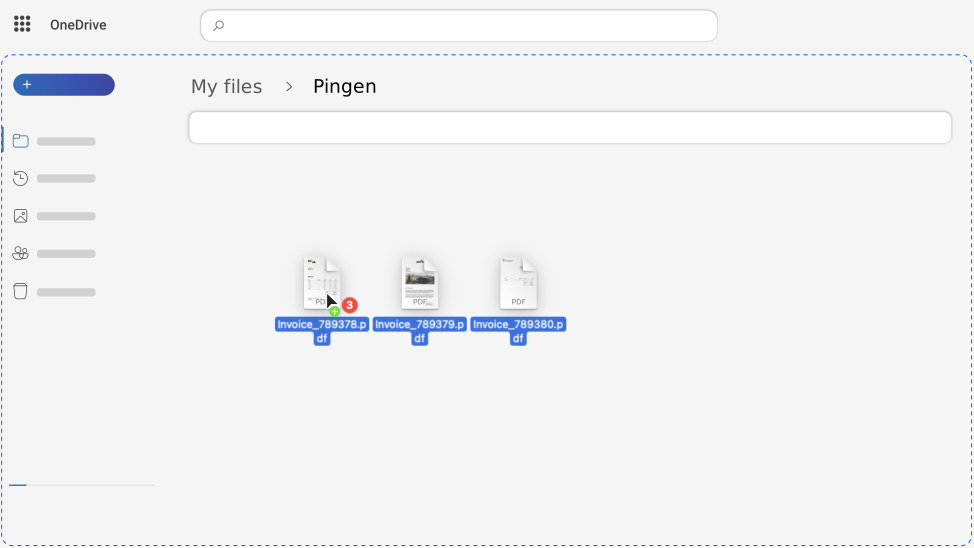
Dragging and dropping documents into the Pingen folder in Microsoft OneDrive
1

Save PDF on OneDrive

Simply save all the PDF documents you want to send in the Pingen folder in OneDrive.
Text Link
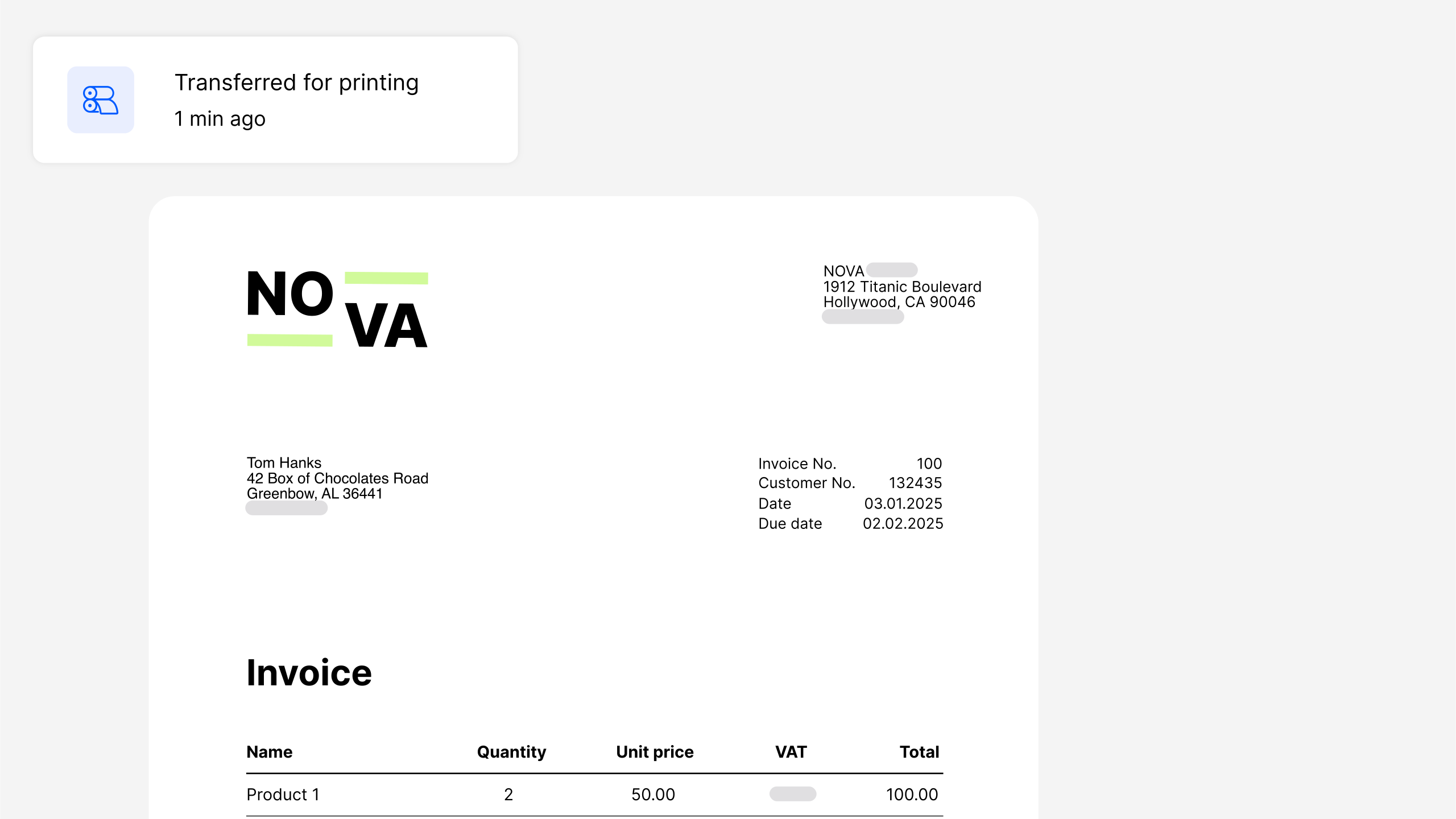
Invoice with a printing notification from  Pingen WebApp
2

Professional printing

Pingen automatically collects your PDFs and sends them as printed letters by post.
Text Link
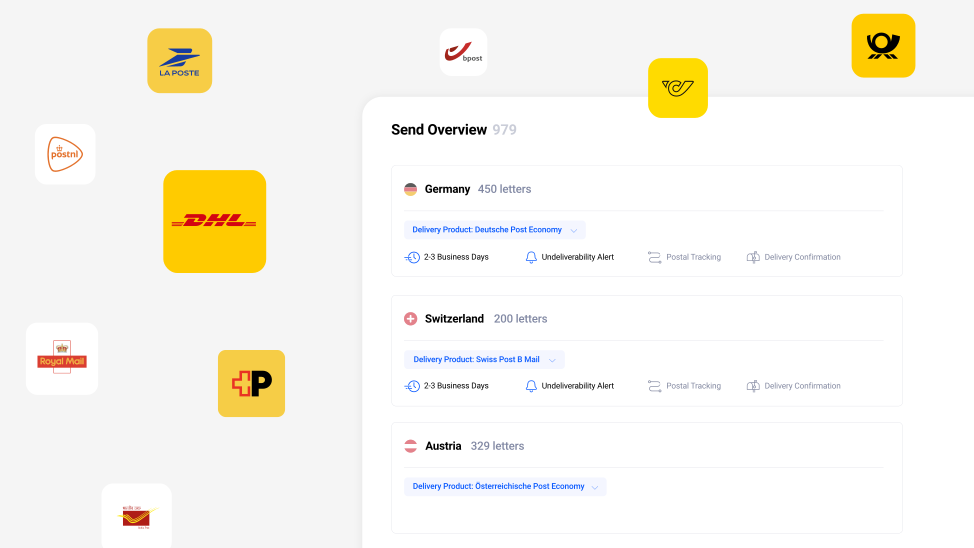
Send overview in the Pingen WebApp with floating delivery service logos
3

Delivery by PostNL

Your letters are then reliably delivered via PostNL, other local postal services or worldwide by DHL.

Get started in 3 easy steps

Step 1: Sign up

Get started by creating your free Pingen account.

Step 2: Configure

Connect your Pingen account to OneDrive.

Step 3: Send letters

Use the Pingen folder to print and send PDFs by post.

Experience the benefits of Pingen

Powerful WebApp

Manage your mailings and gain detailed insights with our easy to use and free WebApp.

Full transparency

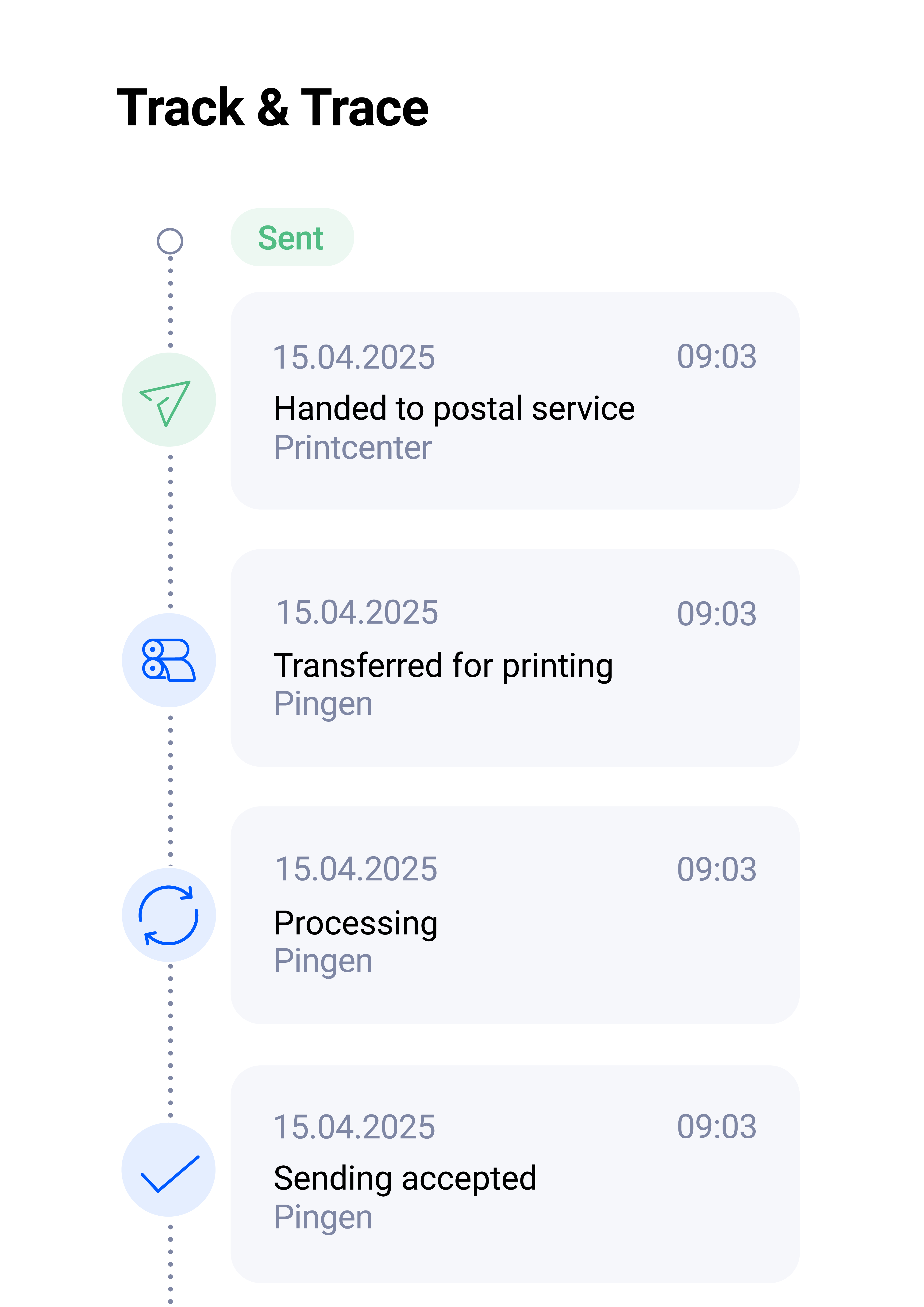
Receive detailed status information to track the processing of each letter individually.

Return mail handling

Pingen handles your return mail and alerts you digitally with all the return details.
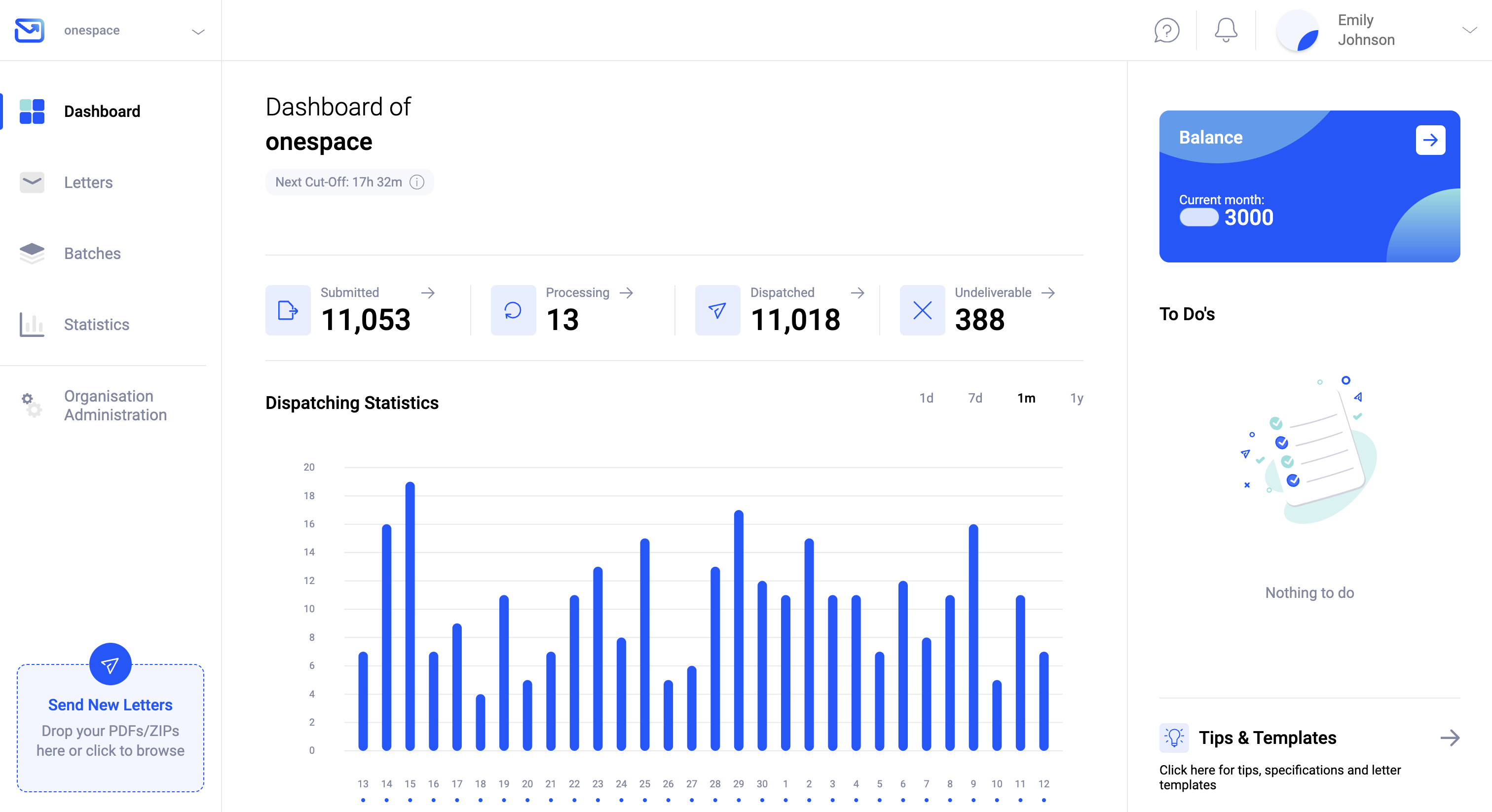
Main dashboard of the Pingen WebApp

Many helpful features like

Track & Trace

Easy-to-use WebApp

Automatic document fixing

High-end data security

Digital return mail processing

Powerful API

24/7 availability

No branding by Pingen

Multi-user support

Automatic Credits purchase

Two-factor authentication

Exclusive international rates

Customizable data retention

Local printing and delivery

Detailed shipping statistics

Multi-tenant support

Bulk mail handling

Postal validation

See all features
logo zapier logo dropbox logo onedrive logo email integration logo google drive

View all integrations to maximise your opportunities.

Pingen works with many software tools to optimise and streamline your processes.

All integrations
You're viewing our website for Netherlands, but it looks like you're in .